01
Student Setup
Compact, dependable essentials for shared rooms, focused notes, and late study sessions.
Designed for India · 2026 collection
Your desk should keep pace with the way you study, create, play, and work. KeyBloom curates smart computer accessories for modern Indian spaces, from compact hostel desks to fully equipped home studios. Discover responsive keyboards, precise wireless mice, and soft desk mats selected for comfort, dependable performance, and clean visual style. Every product is easy to compare, clearly priced in INR, and suited to long sessions in changing routines. We focus on useful details: compact layouts, reliable connectivity, comfortable shapes, durable materials, and designs that feel considered without becoming distracting. Whether you are editing a film in Mumbai, coding from Bengaluru, preparing for exams in Jaipur, or joining calls from Kochi, KeyBloom helps you build a workspace that feels organised, personal, and ready for whatever comes next in your day.
02 / Setup styles
Four starting points, built around how your day actually moves. Pick a style to preview a tailored recommendation.
Compact, dependable essentials for shared rooms, focused notes, and late study sessions.
Precise control and comfortable inputs for editing timelines, canvases, and ideas.
Fast response, open mouse space, and expressive light for play after hours.
Quiet, professional tools made for clear calls and steady nine-to-five flow.
03 / New arrivals
Three uncomplicated upgrades, selected to work beautifully together.
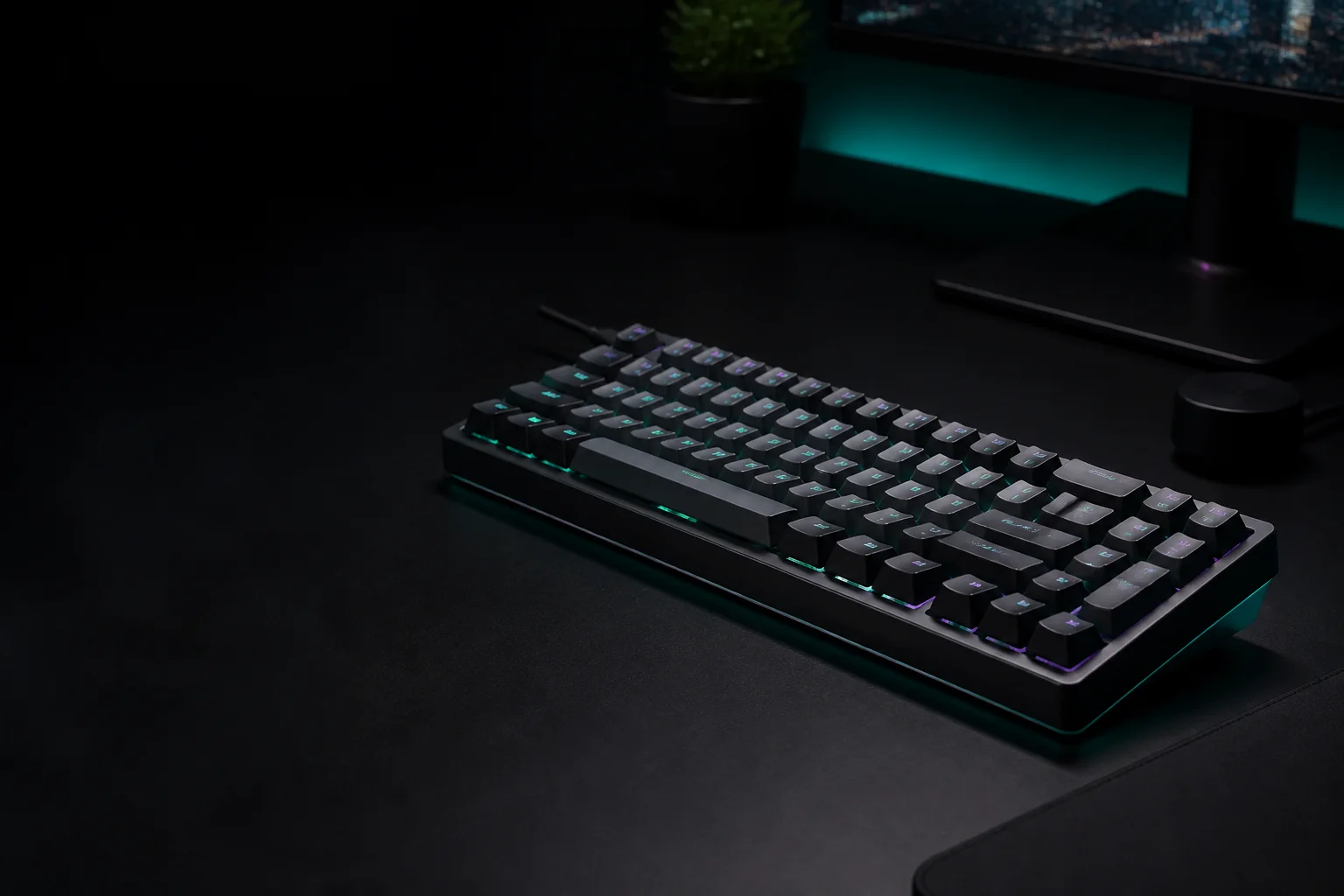
Just in01Compact mechanical · Hot-swap
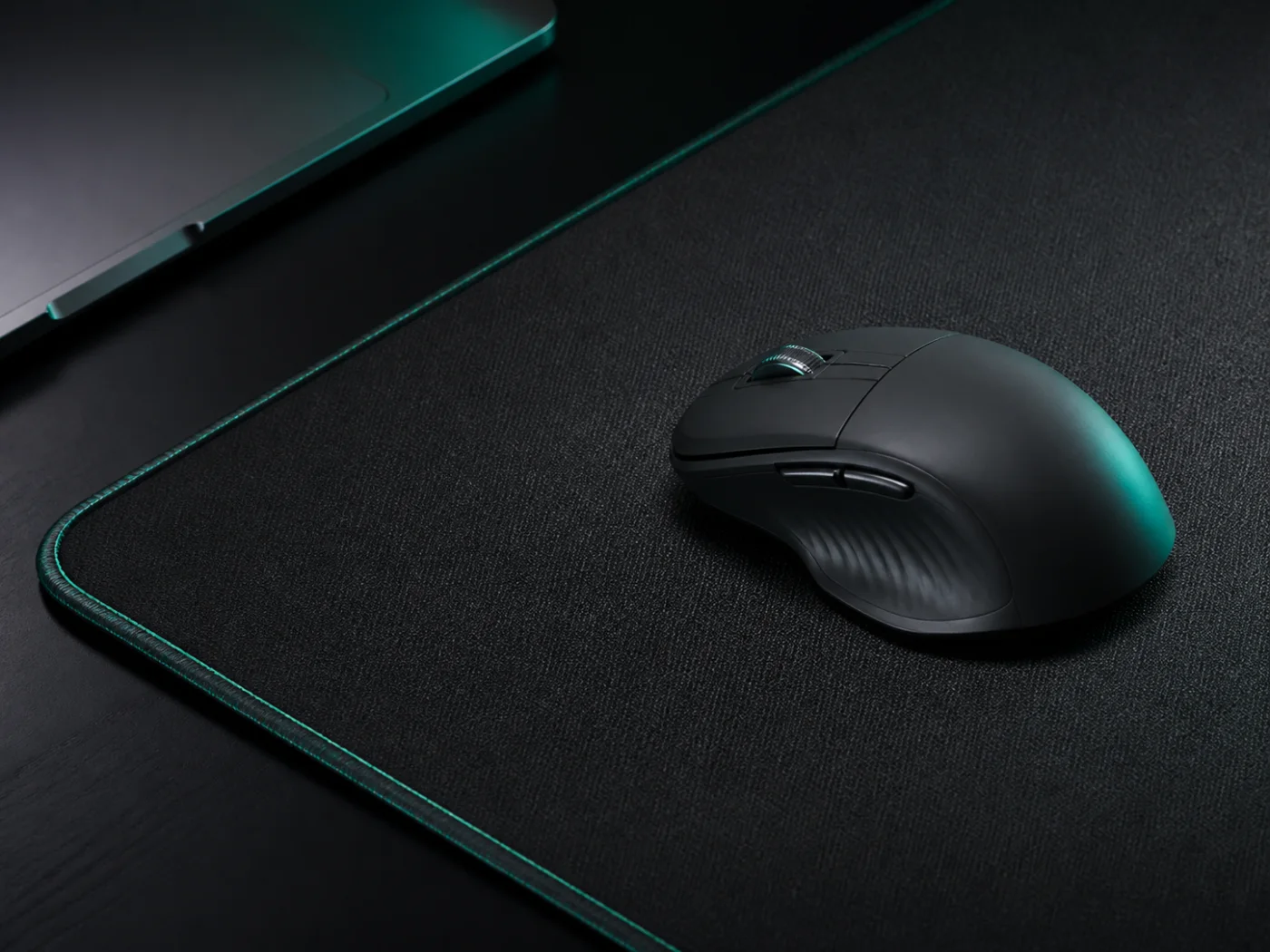 Wireless02
Silent clicks · Dual device
900 × 40003Woven control · Stitched edge
Try keyboard, mouse, wireless, or mat.
04 / Switch lab
Same keyboard, different rhythm. Compare the six details your fingers will notice.
Switch personality
Tactile switches mark each press with a gentle bump. Linear switches travel smoothly from top to bottom. Neither is universally better—the right choice follows your typing environment, pace, and sound preference.
| Parameter | Tactile switches | Linear switches |
|---|---|---|
| Key feel | Noticeable mid-press bump | Smooth, uninterrupted travel |
| Sound | Soft, defined clack | Lower, more consistent tone |
| Actuation force | 45–55 g | 35–50 g |
| Best for | Typing, coding, study | Gaming, rapid shortcuts |
| Feedback | Clear press confirmation | Fast repeated inputs |
| Learning curve | Easy for most typists | Needs a lighter touch |
05 / Field notes
Buying guide
A mechanical keyboard can make long hours of study, editing, coding, or office work feel more deliberate, but the right choice starts with your routine rather than lighting. First, decide on size. Full-size boards include a number pad, while TKL and 75% layouts free mouse space on smaller Indian desks. Next, choose a switch. Tactile switches provide a bump for confident typing; linear switches feel smooth and suit quick gaming inputs. Consider sound too, especially in hostels, shared homes, and open offices. A gasket-mounted board with dampening foam usually sounds softer and feels less harsh.
Check connectivity. Wired keyboards are simple and reliable, while Bluetooth or 2.4 GHz models reduce cable clutter and move between a laptop, tablet, and desktop. Look for hot-swap sockets if you want to try new switches without soldering. Keycap quality matters in warm conditions: PBT plastic generally resists shine better than ABS. Confirm that replacement switches, keycaps, and warranty support are available in India. Finally, set a budget that includes a wrist rest or cleaning brush if needed. Good stabilisers, sensible software, and a comfortable layout matter more every day than dozens of lighting effects. Read owner feedback for wireless stability and customer support before deciding. Measure your desk, note your device ports, and choose the board that removes friction from your actual routine.
Measure first. Leave enough room for comfortable mouse movement.
Test the sound. Shared spaces benefit from softer, dampened switches.
Check compatibility. Match Bluetooth, 2.4 GHz, or cable to your devices.
Prefer hot-swap. Change the feel later without replacing the board.
Verify support. Look for Indian warranty and replacement availability.
06 / Desk stories
“The TKL keyboard fits my hostel desk perfectly and still feels solid enough for assignments. I chose tactile switches after reading the guide, and the feedback makes long writing sessions much easier. The mint lighting is subtle, the cable feels durable, and delivery to Pune was quicker than expected too.”
“AeroMouse moves smoothly across the SoftDesk Mat, even during detailed video edits. Switching between my laptop and tablet takes seconds, and the silent clicks help during client calls. The graphite finish looks premium beside my monitor, while the comfortable shape has made long creative sessions noticeably less tiring for me.”
“I wanted a calmer work setup without losing personality, and these accessories delivered exactly that. The desk mat defines my small workspace, the keyboard sounds refined, and everything matches without looking overdesigned. After three weeks of remote meetings and reports, the setup still feels organised, comfortable, and refreshingly distraction-free daily.”